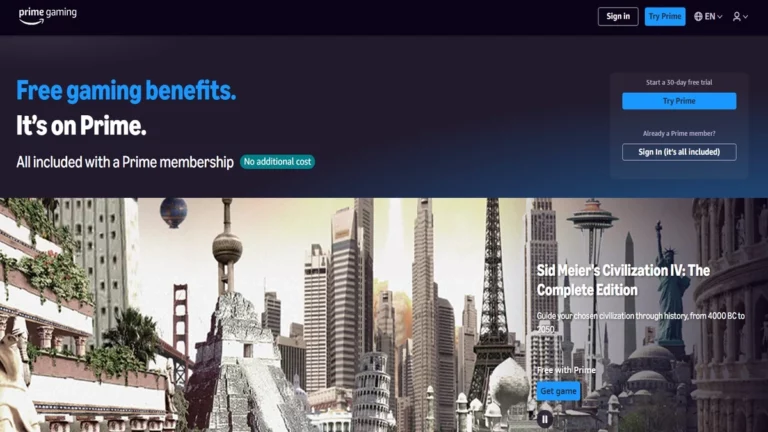
Gaming is growing faster than ever. Every day, millions of players search for new ways to enjoy exciting experiences. However, many platforms demand extra payments. That is why prime gaming has become so popular. It is already included with Amazon Prime and Prime Video.
Moreover, Amazon Gaming gives you free games, in-game loot, and Twitch benefits. Therefore, you get more entertainment at no extra cost. In fact, if you already use Amazon Prime for shopping or streaming movies, you shouldn’t miss this bonus.
So, let us explore Gaming step by step. We will see how it works, why players love it, and how you can get the most from it.
What Is prime gaming?
Prime Gaming is a digital gaming service from Amazon. It comes free with Amazon Prime or Prime Video. Consequently, you do not need to pay separately.
Originally, the service was called Twitch Prime. However, Amazon rebranded it to Prime Gaming. As a result, more people understood that it was not only for Twitch but also for all gamers.
In short, Prime Gaming is a membership perk. Once you have Amazon Prime, you also unlock Amazon Gaming instantly.
Key Benefits of amazon prime gaming
 Prime Gaming brings multiple advantages. Furthermore, these benefits make the service valuable and unique. Let’s explore them one by one.
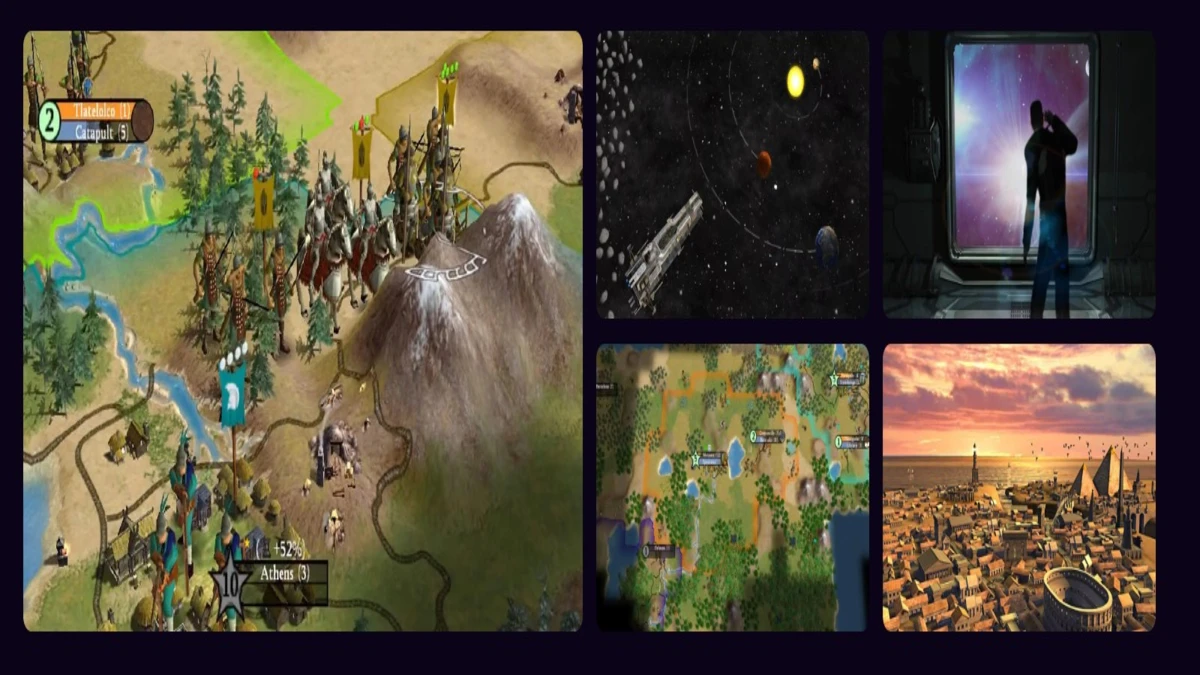
- Free Monthly Games: Every month, members get free PC games. Moreover, these are full versions, not trial samples. Once you claim a game, you keep it forever. Therefore, your library grows without extra spending.
- Member Access to Game Content: Additionally, prime gaming offers in-game loot. For example, you can get special skins, weapons, or characters. However, offers may vary by country. Still, popular titles like Valorant, Apex Legends, and League of Legends almost always get rewards.
- Twitch Benefits: Since Amazon owns Twitch, Prime Gaming links with it directly. Consequently, you enjoy special streaming perks.
- Twitch Channel Subscription – Subscribe to one channel each month for free. Moreover, you get perks like chat privileges and badges.
- Exclusive Emoticons – In fact, emoticons like KappaHD are reserved for Prime Gaming users.
- Expanded Chat Colors – You can personalize your chat color.
- Prime Chat Badge – The crown icon highlights your username. Therefore, you stand out in Twitch chats.
- Extended Broadcast Storage – Save past streams for 60 days instead of 14.
- Exclusive Offers and Deals: Sometimes, Prime Gaming provides early access or discounts. As a result, you can save money on upcoming releases.
- All-Inclusive Value: Most importantly, you do not pay extra. In other words, Prime Gaming is bundled with Amazon Prime. Therefore, it combines shopping, music, movies, and gaming in one affordable package.
How to Subscribe to Prime Gaming
 Activating amazon prime gaming is simple. Moreover, the process takes only a few minutes.
- First, sign up for Amazon Prime or Prime Video.
- Next, go to gaming.amazon.com.
- Then, select Try Prime.
- After that, confirm your country. However, if the location is incorrect, choose Change country and update it.
- Continue and sign in with your Amazon account.
- Finally, link your account and complete the setup.
As a result, your Prime Gaming membership will be active immediately.
Also read:
- Find an ocean of games on wheon com
- Why PSVR2 Is the Most Versatile VR Headset Yet
- Don’t let the remote control car price get in the way of fun
- The 25 Best Fish Pokemon: Lets Explore!
- The Significance of Business Impact Analysis in Cybersecurity
How to Subscribe to a Twitch Channel Using Prime Gaming
One major perk of Prime Gaming is the free Twitch channel subscription. Moreover, this comes with exclusive subscriber perks. Here’s how to use it:
- Go to the streamer’s Twitch channel.
- Then, select Subscribe.
- After that, click the option with the Prime Gaming crown.
- Finally, confirm your subscription.
However, keep in mind:
- Twitch subscriptions with Prime Gaming do not auto-renew. Therefore, you must redeem them each month.
- Only one free subscription is included per month.
- Trial members get one subscription. However, if you used a trial before, you cannot claim it again.
Why Gamers Love Prime Gaming
There are many reasons why gamers love prime gaming. First, the free monthly games are a huge advantage. For example, instead of paying for a premium title, you can get it free.
Second, the in-game loot makes gameplay more exciting. Moreover, it often includes exclusive skins or items not available elsewhere.
Third, the Twitch perks add another layer of fun. You can support streamers, stand out in chats, and use rare emoticons.
Finally, all these perks come bundled with Amazon Prime. Therefore, players see it as extra value for something they already use.
Troubleshooting Game Speed Issues
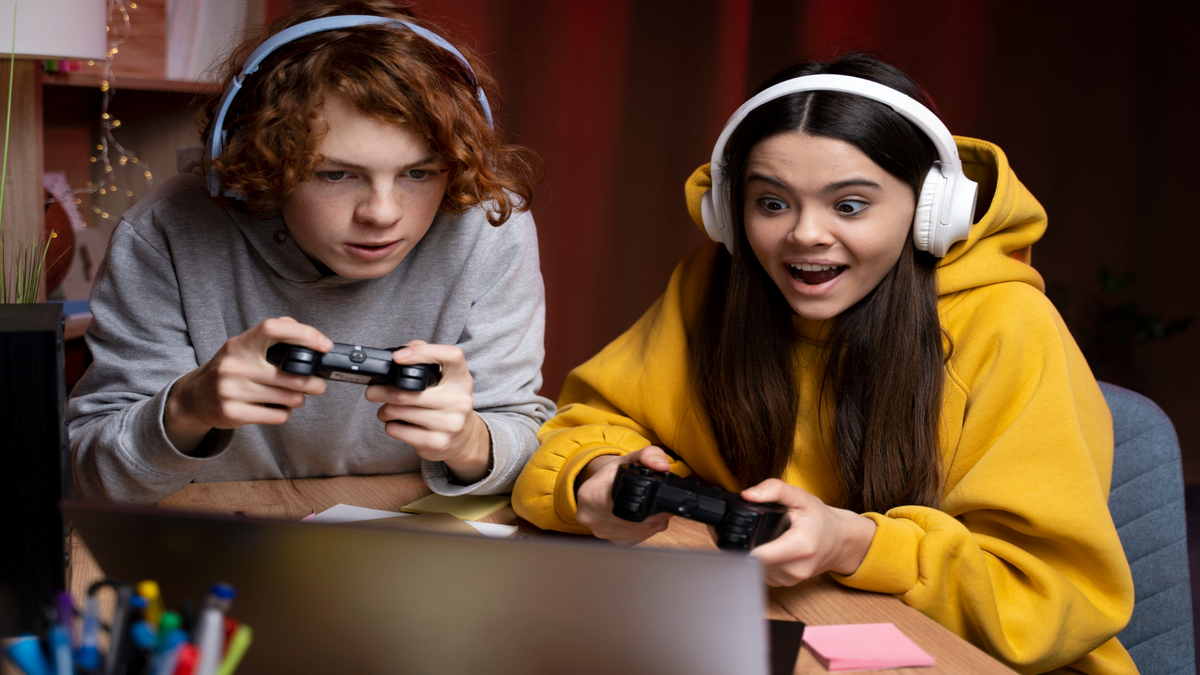
Sometimes, players face speed or performance problems with the Amazon Games app. However, there are quick fixes.
1. Modify VSync Settings
If your GPU sends more frames than your monitor can handle, you may see tearing. Therefore, enable VSync.
- For NVIDIA – Open Control Panel > Manage 3D Settings > Global Settings > Vertical Sync > On. Restart your PC.
- For AMD – Open Radeon Settings > Global Settings > Wait for Vertical Refresh > Always On. Restart your PC.
2. Try Compatibility Modes
Right-click the game shortcut > Properties > Compatibility tab. Then, test different modes.
3. Force Single-Core Usage
Open Task Manager > Details > Right-click Game.exe > Set Affinity > CPU 0 > OK.
4. Change Power Mode
Open Control Panel > Power Options > Switch to High Performance. As a result, your game should run smoother.
Amazon Prime Gaming vs Other Gaming Services
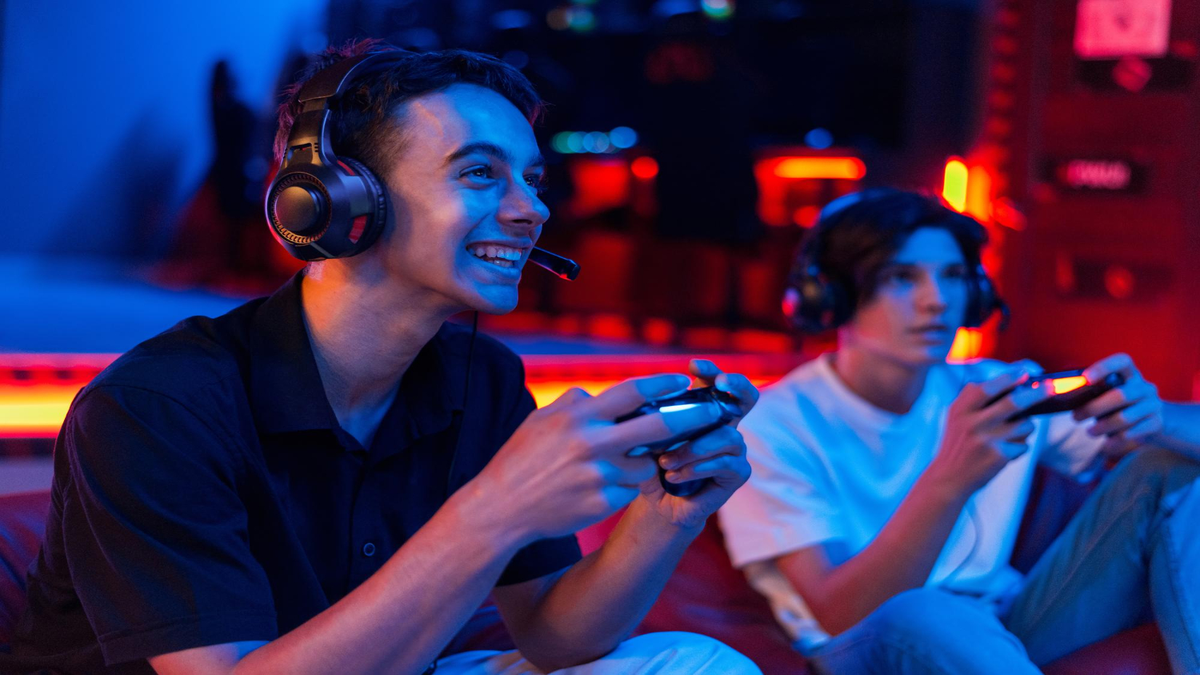
When comparing prime gaming to Xbox Game Pass or PlayStation Plus, the differences are apparent. Other platforms require separate fees. However, Prime Gaming is already included with Amazon Prime.
Therefore, while the number of monthly games may be fewer, the bundle value is unmatched. In addition, you get movies, shopping, and music all in one. As a result, amazon prime gaming feels like a complete package.
Tips to Get the Most Out of Prime Gaming
To maximize your membership, follow these tips:
- Check new offers monthly. Otherwise, you may miss out.
- Link all game accounts to claim every reward.
- Redeem Twitch subscription each month before it expires.
- Claim free games even if you don’t play them immediately. Later, you may want them.
- Explore Twitch perks fully, such as badges and broadcast storage.
Future of Prime Gaming
Prime Gaming reflects Amazon’s deep interest in gaming. Moreover, with Amazon Luna cloud gaming, integrations are expected to grow further. In fact, we may see more free games, exclusive titles, and deeper Twitch features.
Therefore, the future of Amazon Gaming looks bright. On the other hand, it also means competitors will need to catch up.
Conclusion
Prime Gaming is a hidden gem within Amazon Prime. It gives you free monthly games, in-game loot, and Twitch perks at no extra cost. Moreover, it is easy to activate and simple to use.
Additionally, troubleshooting tools ensure a smooth gameplay experience. Therefore, you can enjoy rewards without frustration.
In conclusion, Amazon prime gaming is not just about games. Instead, it is about value, entertainment, and community. If you already have Amazon Prime, you should activate Prime Gaming today. After all, why miss out on free games and exclusive perks?
To Get More Updates, Click Here